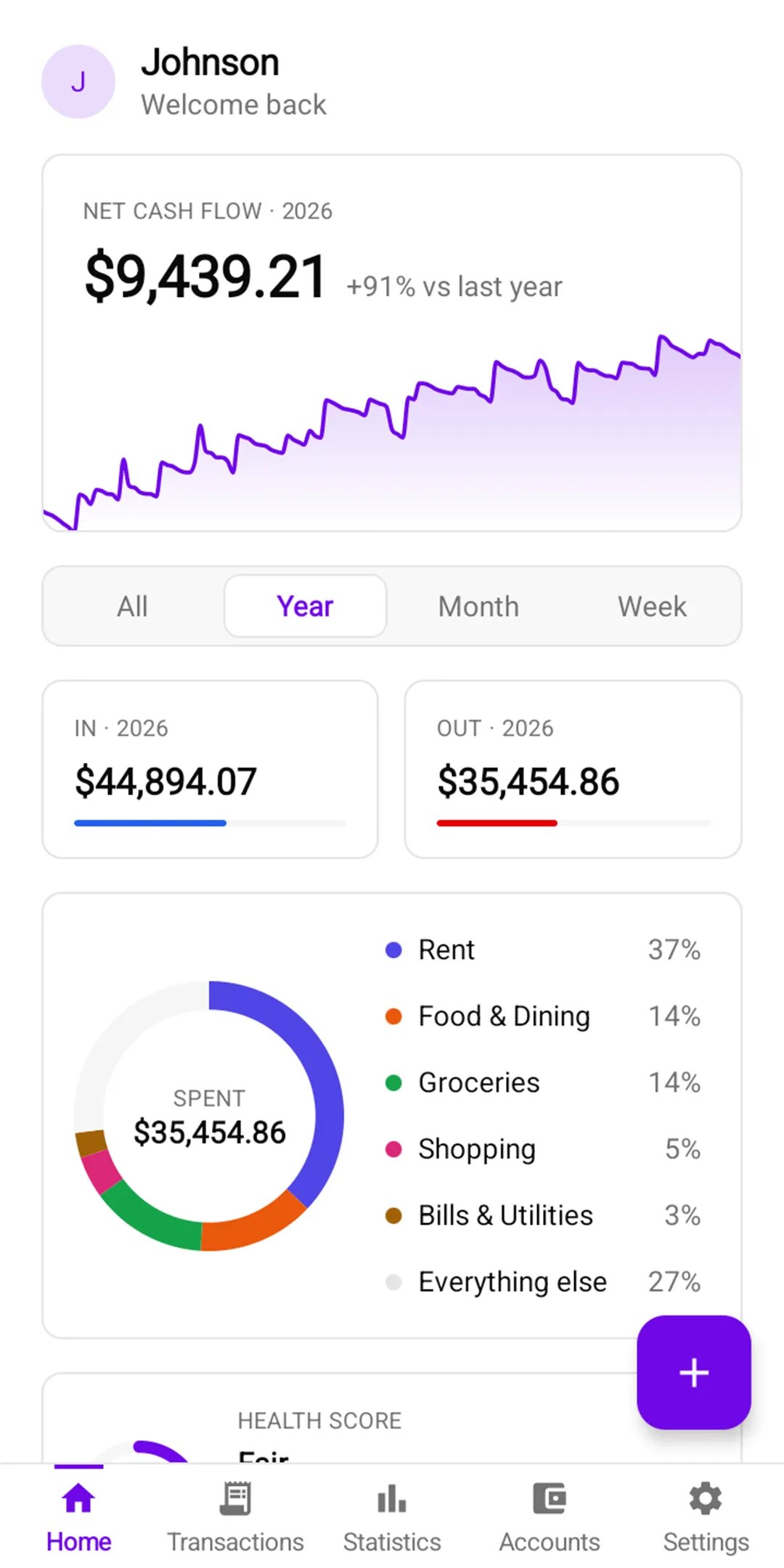
Track daily income and expenses, organize accounts, plan monthly budgets and understand your spending with clear reports. An Android app by Varni Dev.
Category: FinancePlatform: AndroidPrice: Free

About Varni Dev · Apps and software products
Varni Dev creates apps and web tools for everyday use, including Money Manager and FluxyTool. We also bring our product experience to client projects: business websites, custom web applications and ongoing support.
Our story
Varni Dev started with a simple belief: good software should make everyday work easier, not more complicated.
We began by building our own products. Money Manager helps people track income, spending, and budgets on Android. FluxyTool brings calculators, code tools, and image tools together on the web.
Building and maintaining those apps taught us what really matters: clear design, fast performance, careful handling of data, and steady improvement after launch. Today we bring that same experience to businesses that need a website or a custom web application.
Our products
Track daily income and expenses, organize accounts, plan monthly budgets and understand your spending with clear reports. An Android app by Varni Dev.
Category: FinancePlatform: AndroidPrice: Free
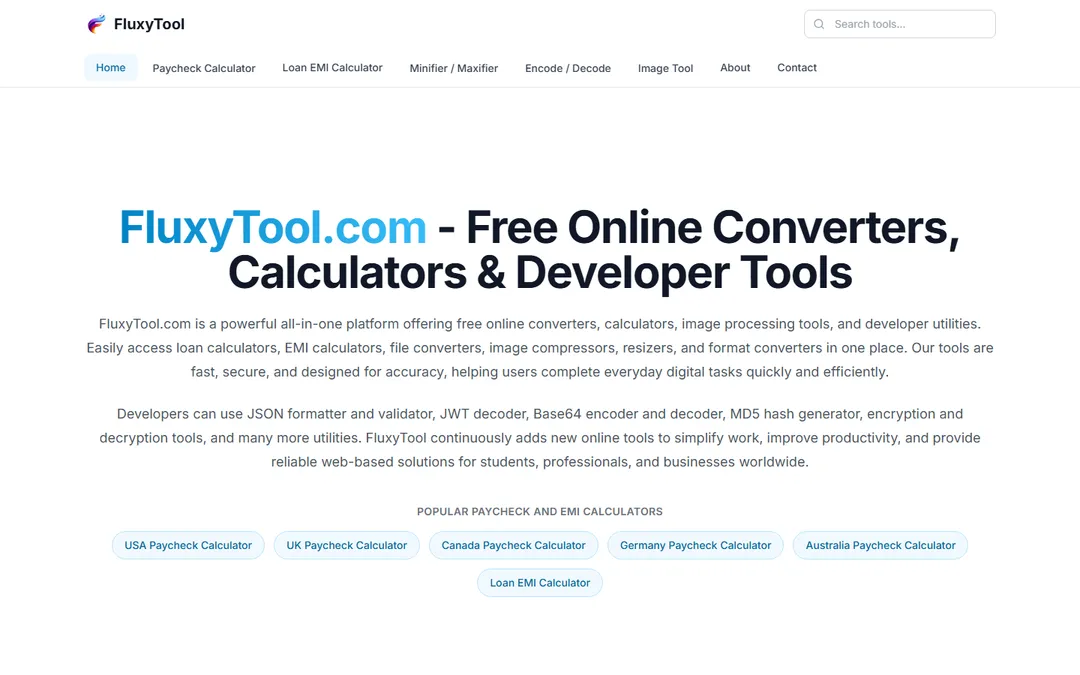
Estimate take-home pay and loan payments, format code, encode text and compress or convert images. A free online toolkit by Varni Dev, with no sign-up required.
Category: Developer and finance toolsPlatform: WebPrice: Free
Client services
Clear, responsive websites that help people understand your business, explore what you offer and get in touch.
Admin panels, dashboards, calculators, and internal tools built around how your business actually works.
Updates, fixes, performance and security checks, and new features, so your website or web app keeps working well after launch.
Process
We learn your goals, your users, and what success looks like.
We agree on scope and features, then design a clear, simple experience.
We develop with modern, dependable tools, share progress regularly, and test on real devices.
We help you go live and stay available for fixes, updates, and improvements.
Working with us
Plain language, regular updates, and no surprises.
Accessibility, performance, security, and privacy from day one.
Clean code that is easy to maintain and grow as your business changes.
Varni Dev
FAQ
Varni Dev builds and maintains its own apps and web tools, including Money Manager and FluxyTool. We also take on client projects: business websites, custom web applications and ongoing support.
Money Manager: Track daily income and expenses, organize accounts, plan monthly budgets and understand your spending with clear reports. An Android app by Varni Dev. FluxyTool: Estimate take-home pay and loan payments, format code, encode text and compress or convert images. A free online toolkit by Varni Dev, with no sign-up required.
Yes. We offer maintenance and support: updates, fixes, performance and security checks, and new features after launch.
Send a message through the contact page or email contact@varnidev.com. We start by learning your goals and your users, then agree on scope before we design and build.
Contact
Ask about our products, share feedback or tell us what you want to build. Write to contact@varnidev.com or use the contact form.